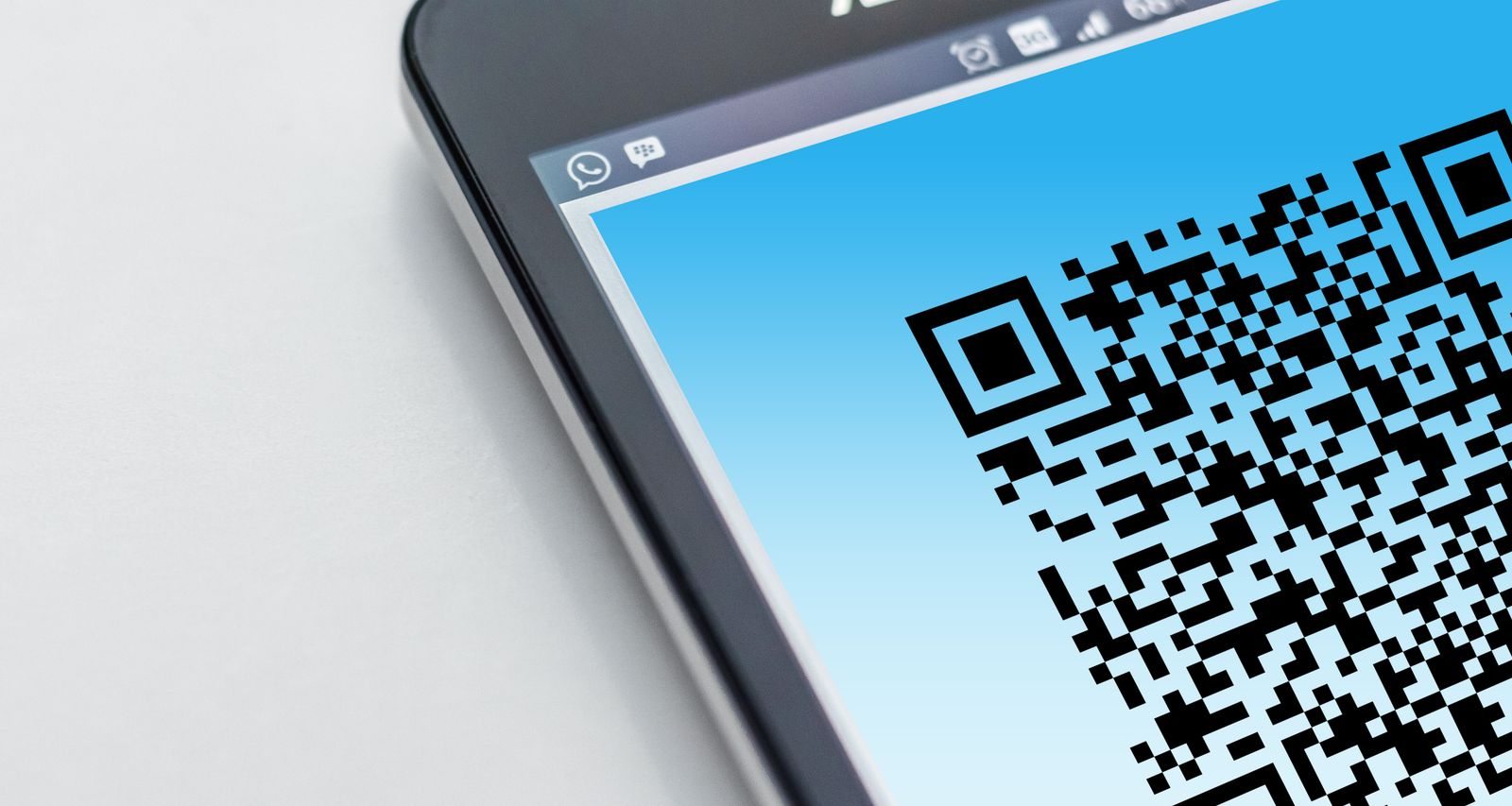
Define the destination first
Do not automatically link to your general homepage. If a visitor has just seen a particular product, the code should lead to relevant information about it. Label the destination beside the code, such as a data sheet, product overview or contact page. People can then decide whether scanning it is useful at that moment.
Check the destination on a phone. A large download or a table that only makes sense on a desktop is awkward during a brief stand visit. If two languages are available, the appropriate choice should be obvious rather than hidden behind several menus.
Test the actual printed version
Scan the printed code from the distance at which visitors will use it. A glossy surface, a curve or poor lighting can change the result. Test with more than one device and leave enough clear space around the pattern. A successful preview inside your design software is not sufficient evidence.
Include a short readable web address where practical. Some visitors prefer not to scan codes or cannot capture one with their device. An alternative route prevents access to the information from depending entirely on this feature, and gives staff something straightforward to point out if a scan fails.
Keep the conversation connected
Offer the scan at an appropriate moment, perhaps after answering the visitor's main question. Briefly identify which part will help them later. If everyone immediately looks at their phone, a product demonstration can lose its thread. The code supplements an understandable answer; it does not provide one by itself.
Check the destination again before and during the event. File changes or redirects can make a printed code useless. Understand any ongoing conditions attached to the service you use. If the destination asks for information, people should be able to see why it is needed and what happens after they submit it.