Define the task and duration
Consider how long you will actually work on the laptop in the hotel and what you will do. A few messages create different needs from extended writing with several documents. A stand raises the device but occupies space and may make separate input equipment useful. Try the intended workflow at home before making the accessory a permanent suitcase requirement. The benefit comes from a suitable overall arrangement, not screen height alone.
Test stability with your own device
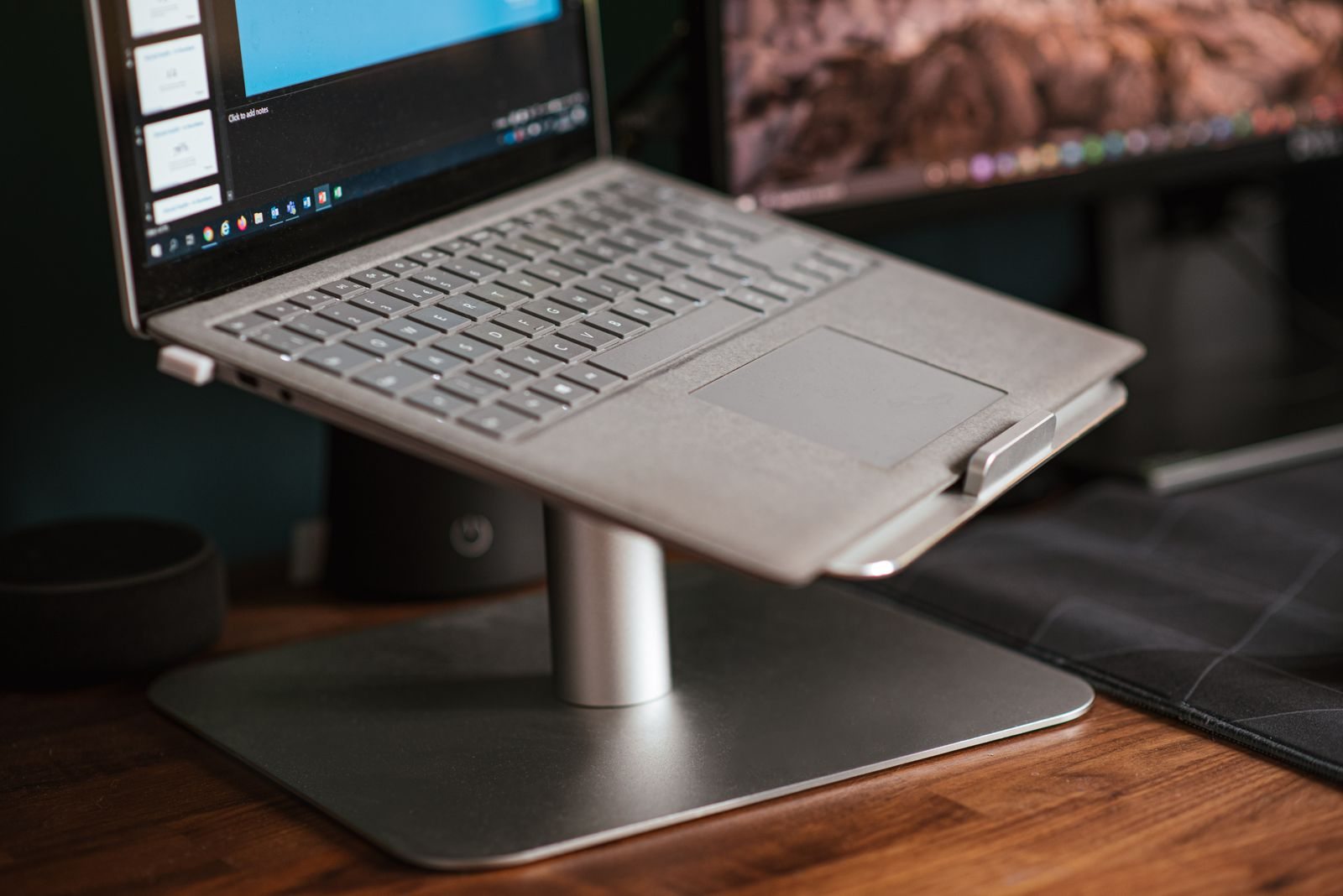
Put the laptop that will travel on the proposed stand and follow its size and load specifications. Check locks and support points according to the instructions. The device should not unexpectedly slip during ordinary use. Keep intended ventilation openings unobstructed. A compact design offers little benefit if it only works well on a large, perfectly level surface while the actual hotel desk is much smaller or differently arranged.
Occupy the complete working surface
Add any keyboard, mouse and notebook you plan to use. Check whether your hands have enough space and whether the setup avoids cables across walking routes. A raised screen can help in a particular situation without guaranteeing an appropriate position for everyone. Individual discomfort or ergonomic requirements may call for suitable professional advice. Avoid creating extra height with unstable improvised objects merely to force a particular position.
Match assembly and packing to the trip
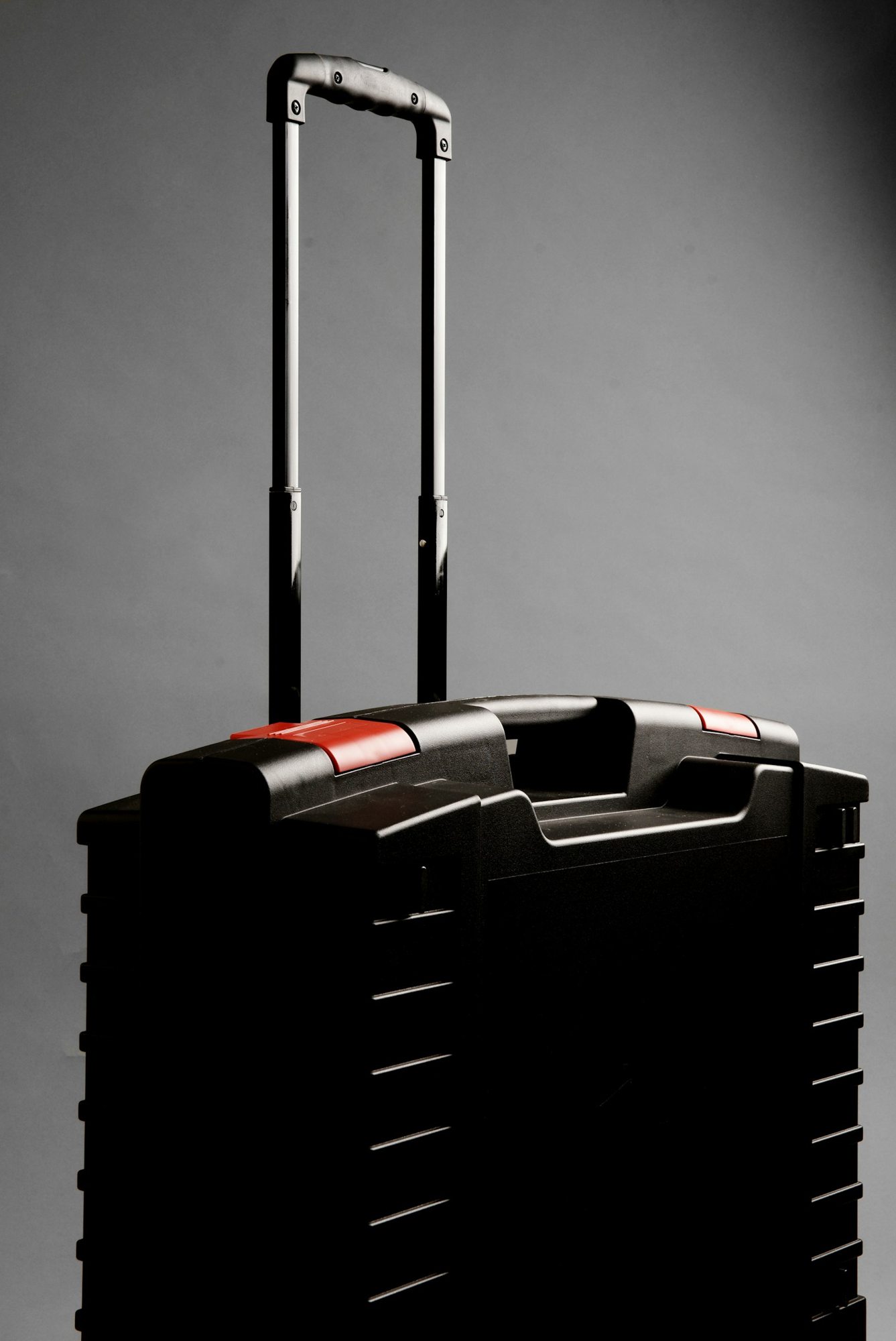
Fold the stand several times and check whether any parts become loose. Store it so hard edges cannot press against the laptop. Count its weight together with any additional input equipment. If you will use the arrangement only once briefly, working directly on the device may remain more practical. A tested set becomes more worthwhile for regular longer sessions, provided the accommodation genuinely offers a suitable surface.