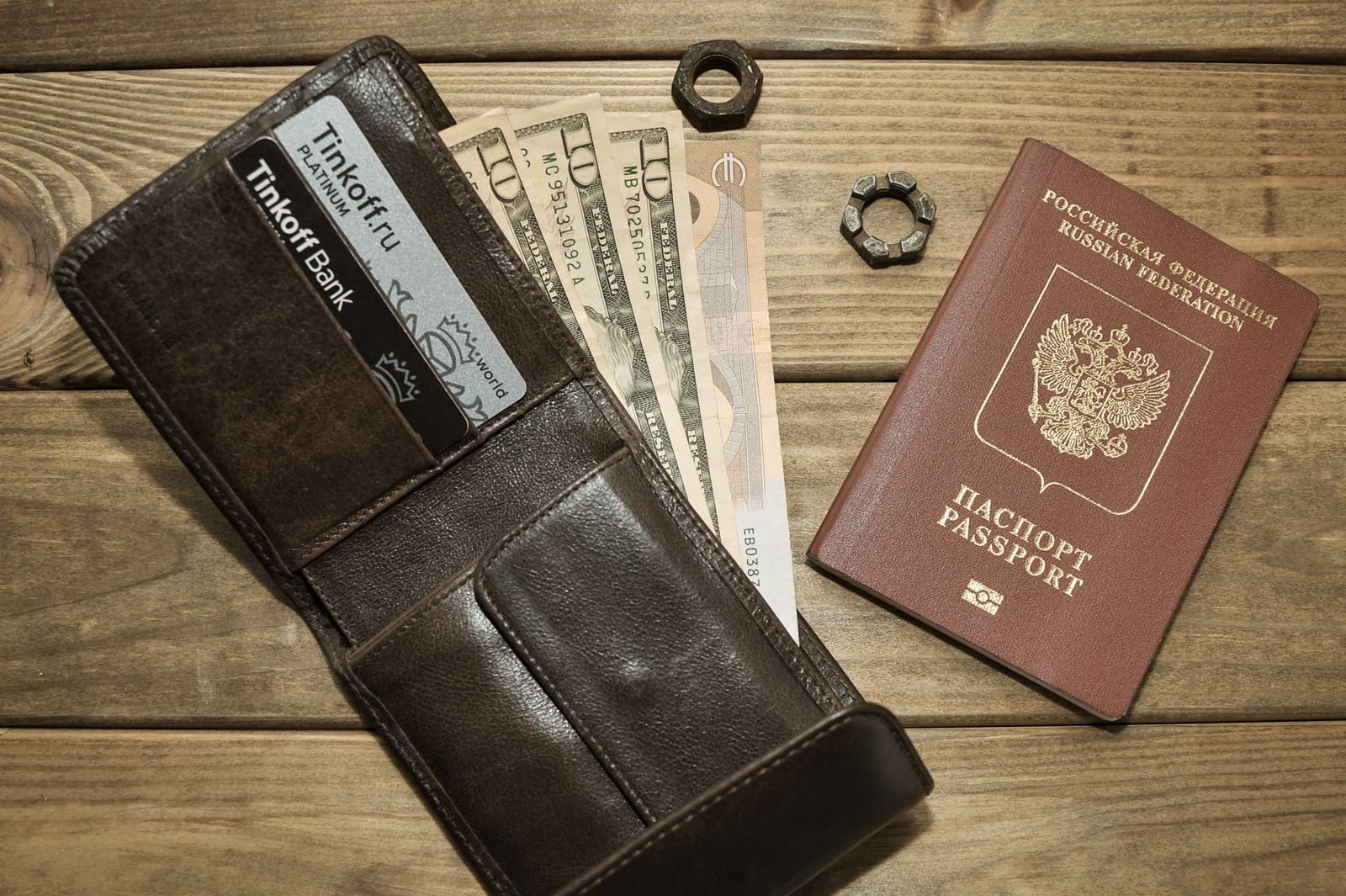
Sort by use
Arrange documents along the journey: transport, accommodation, event and return travel. This prevents ten similar confirmations sitting together without any order. Identify the documents that actually need to be shown. A payment receipt is not automatically a valid ticket. Check which file or app the provider requires and move outdated versions out of the folder you will use directly, so that similar documents cannot easily be confused on the move.
Keep the next item within reach
Before a transition, make only the documents needed at that point readily accessible. At the hotel, the reservation name and required identification matter more than your return-seat booking. A slim document folder can help where paper is necessary. Do not leave originals loose among brochures or in an open outside pocket. Choose a place you can reach comfortably yourself but that stays closed while you are walking through public spaces.
Test digital availability properly
Try opening saved files without an internet connection. A bookmark to a webpage is not a local copy. Name files clearly, perhaps with the date and purpose, rather than only a long booking reference. Follow the provider's instructions for digital tickets; a screenshot cannot automatically replace every required document. Keep important contact details available as well, in case a ticket or other proof cannot be displayed when you reach the checkpoint.
Limit copies deliberately
Share only what colleagues need for the joint itinerary. A hotel address does not normally require an attached identity-document copy. Use appropriate storage and transmission methods for sensitive material and lock your device. After travelling, remove expired working copies from the travel folder while sending business records into the proper retention process. This clear separation makes the next journey easier and reduces the chance of accidentally sending old personal information again.