Inspect the position with the call preview open
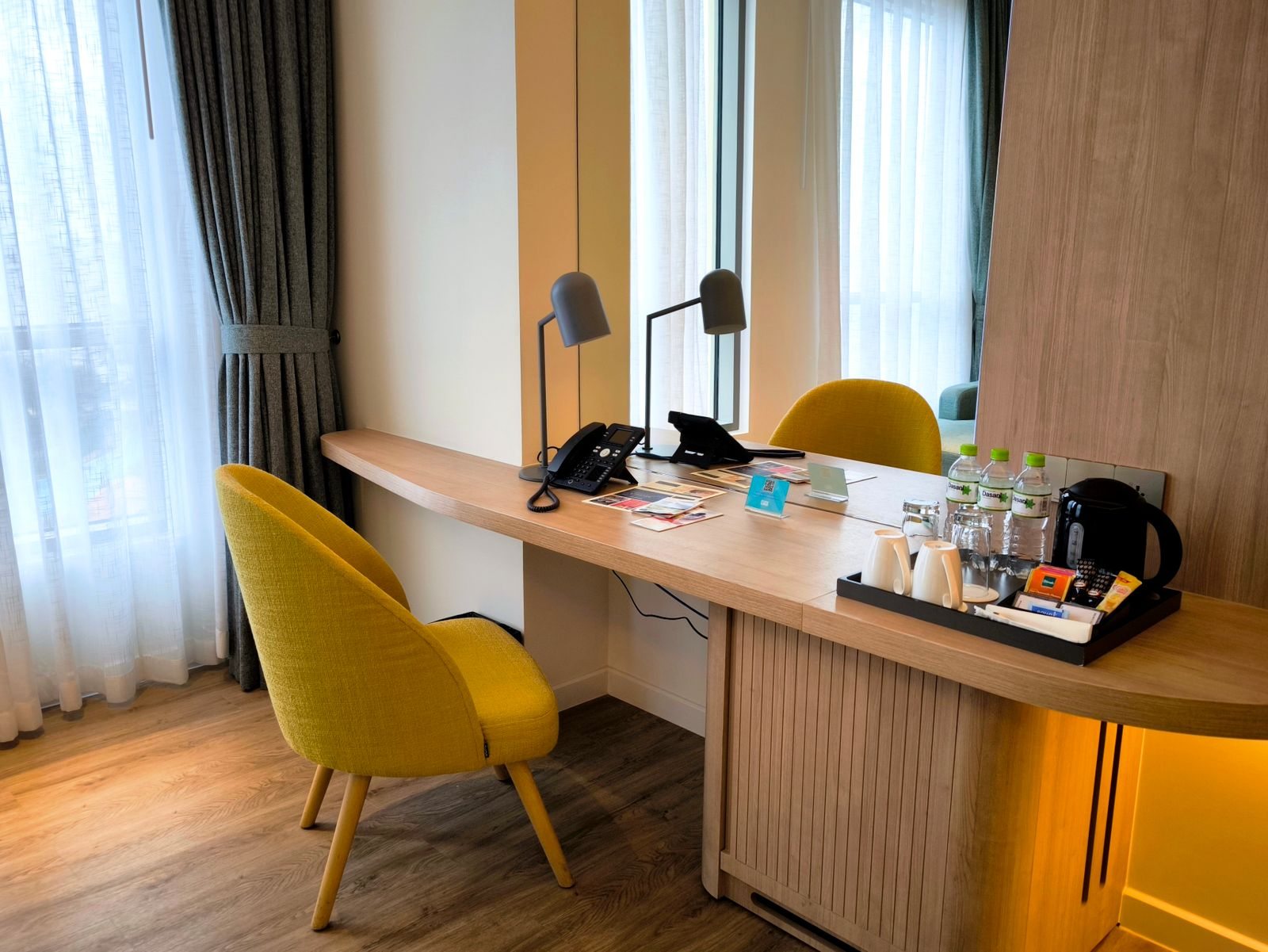
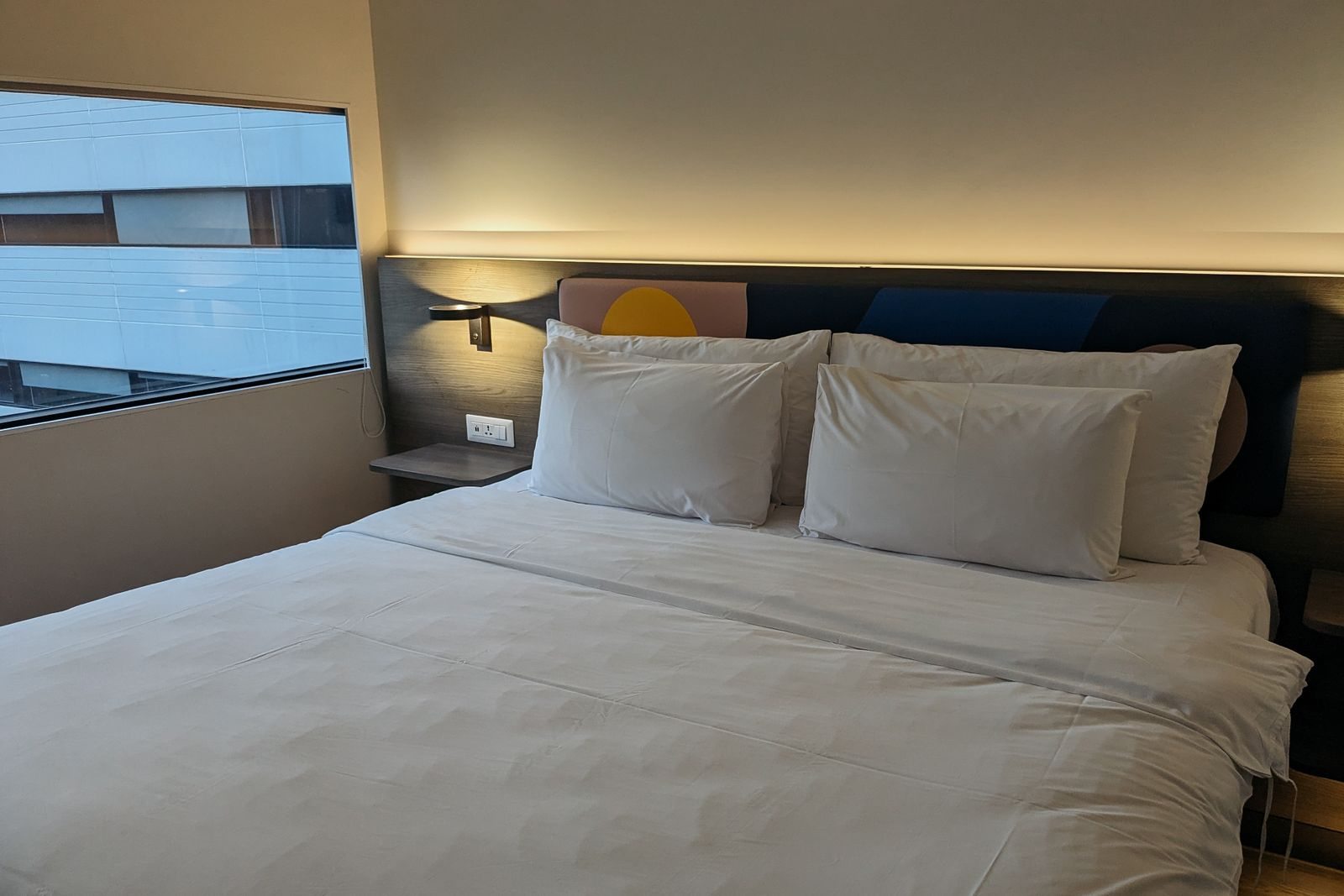
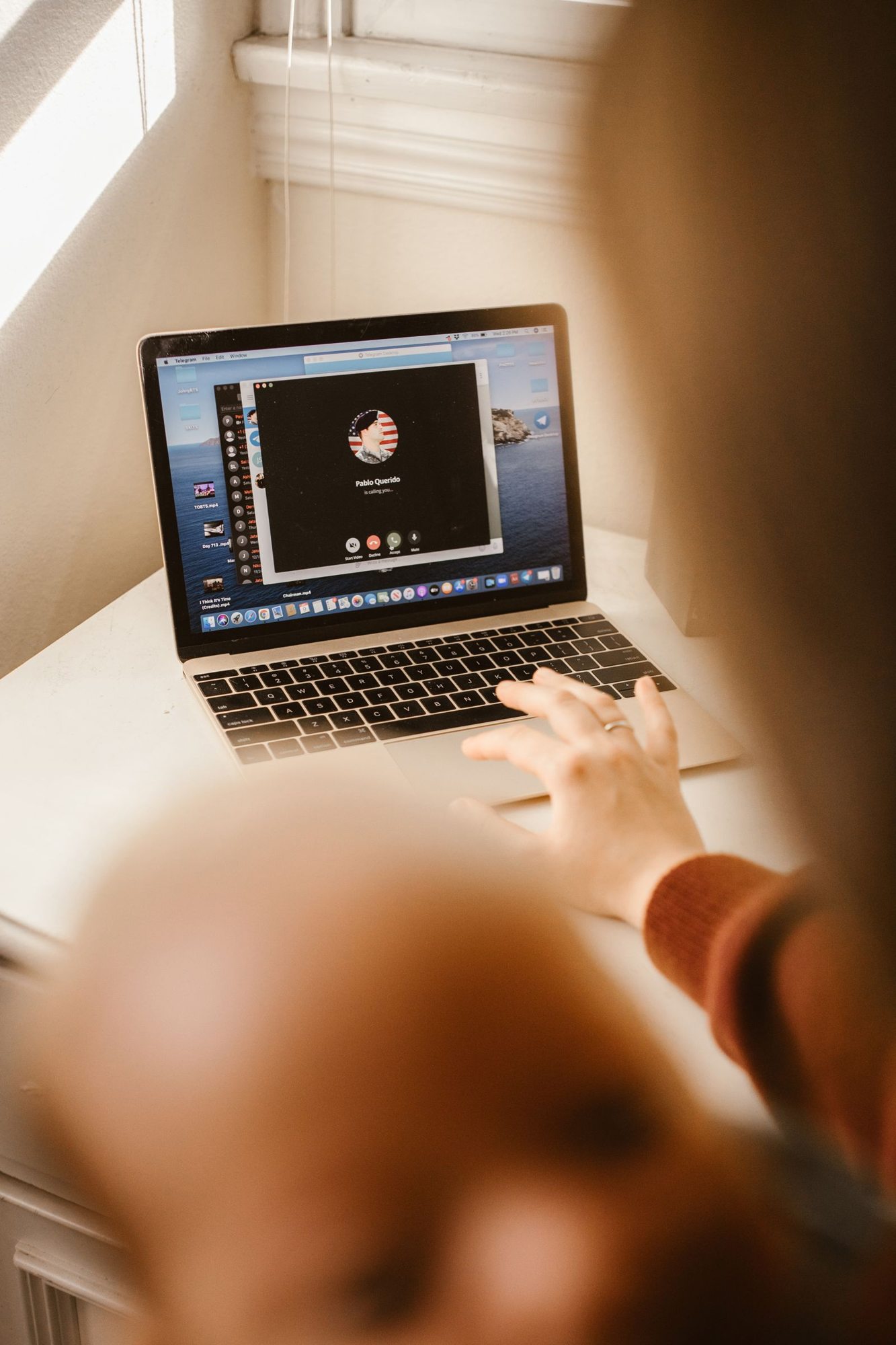
Put the device on a stable surface and open the preview in the application you will use. Check what is actually visible: mirrors, papers and an open suitcase may reveal more than you intend. Where possible, avoid sitting with a bright window directly behind you. Changing your position is often simpler than applying several technical image adjustments. Keep the doorway and walking routes through the room clear.
Test the connection for the task
Join the available network early and check whether it requires a sign-in. Test it using the application intended for the meeting. Successfully loading a news article does not establish that a video call will remain stable. If your organisation requires a particular connection or security setup, use it. A public or shared network is not a reason to disable workplace protections. A prepared contact for the meeting organiser helps if difficulties arise.
Reduce noise and interruptions
Make a short recording or test call to check the microphone and speakers. Close the window if traffic outside is distracting, and ask the hotel about a solution to conspicuous equipment noise. Where appropriate, communicate the meeting period without assuming this rules out every interruption. Put water and necessary notes within reach. That prevents you from searching around the room for objects during the conversation.
Agree a straightforward fallback
Before starting, consider whether a poor connection would allow you to turn off video or join through another approved route. Briefly report a major failure instead of remaining silently disconnected for a long period. Afterwards, remove confidential notes from visible surfaces and close the application. For particularly important or sensitive meetings, a separately confirmed meeting room may be more suitable than an improvised position in the bedroom.